Press kit
In short: Sticta is a Mac app that cuts people, pets and things out of your photos, turns them into stickers and pins them on a travel map, a fridge door or a corkboard. Then it sets the result as your desktop wallpaper.
Everything here may be used in articles and videos about Sticta. The ZIP holds the icon, all screenshots, the demo video and a text fact sheet.
Fact sheet
- App
- Sticta: Photo Wallpaper Maker
- Developer
- Mateusz Czechowski, independent developer, Poland
- Released
- 7 October 2026 (version 1.0)
- Platform
- Mac App Store · macOS 14 Sonoma or later · Apple silicon (M1 or later)
- Price
- Free download with one project and five stickers. Sticta Unlimited is a one-time in-app purchase: $9.99 ($7.99 launch price until 31 October 2026). No subscription, Family Sharing.
- Privacy
- No account, no analytics, no network connection. Photos never leave the Mac.
- Links
- Mac App Store · sticta.app
- Contact
- sticta@proton.me
Short description
Sticta turns your photos into stickers and your stickers into a wallpaper. It cuts people, pets and things out of your photos and pins them on a travel map, a fridge door, a corkboard or any background, then makes it your Mac's desktop in one click.
About Sticta
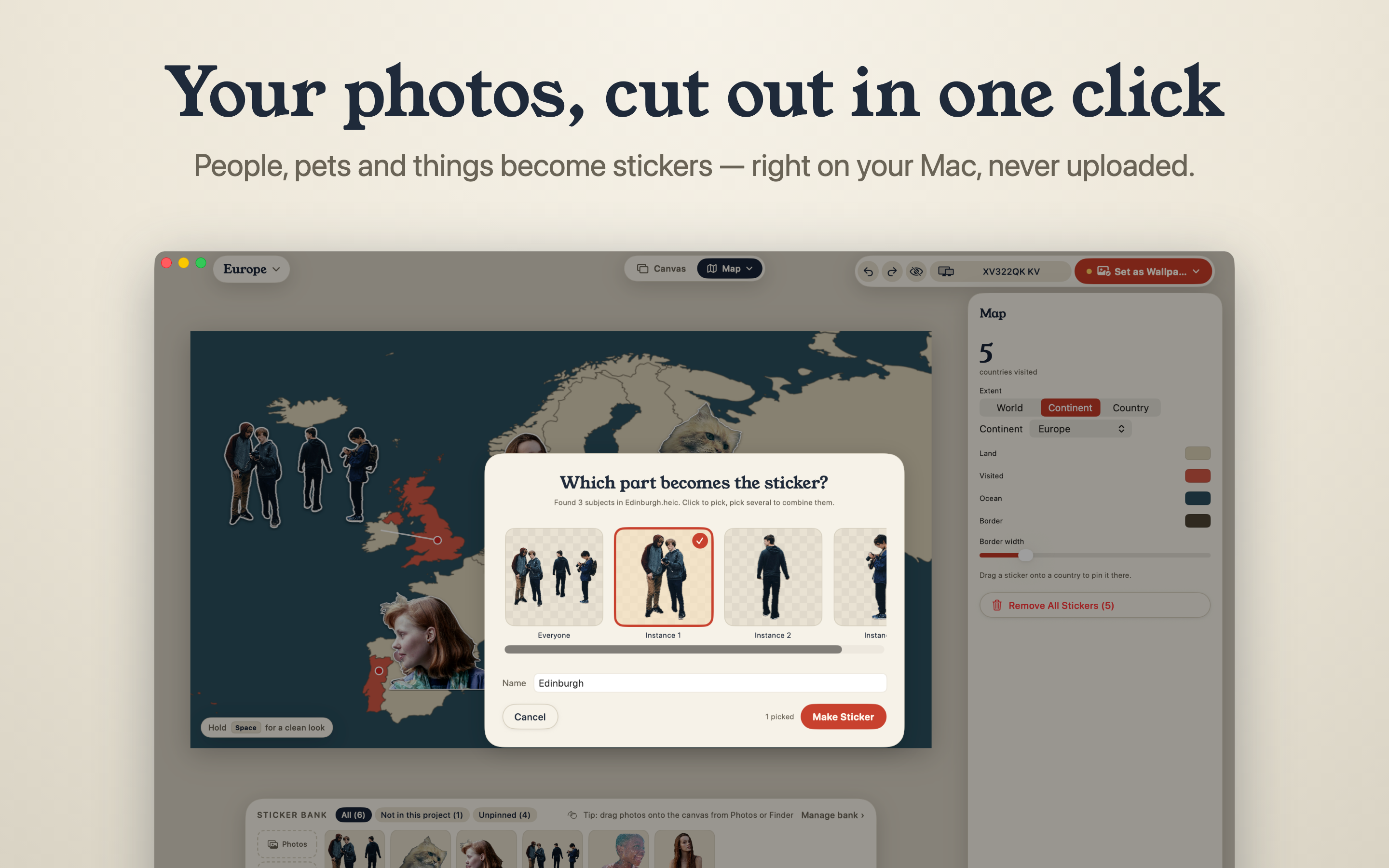
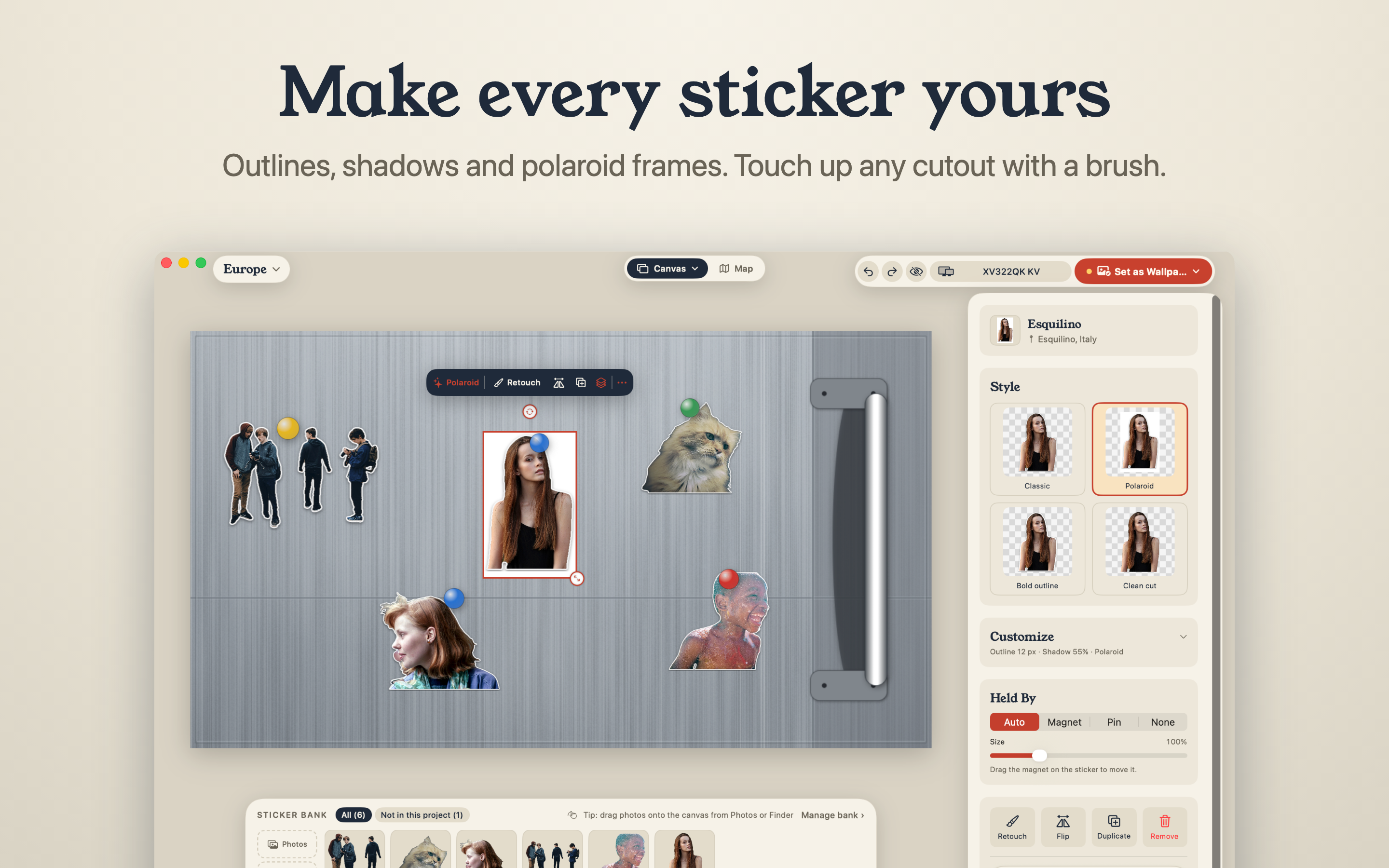
Pick a photo and Sticta cuts out the subject on the Mac using Apple's Vision framework. If the cutout misses an ear or keeps a bit of background, an erase and restore brush fixes it. Each cutout becomes a sticker with a white outline, a soft shadow and an optional Polaroid frame.
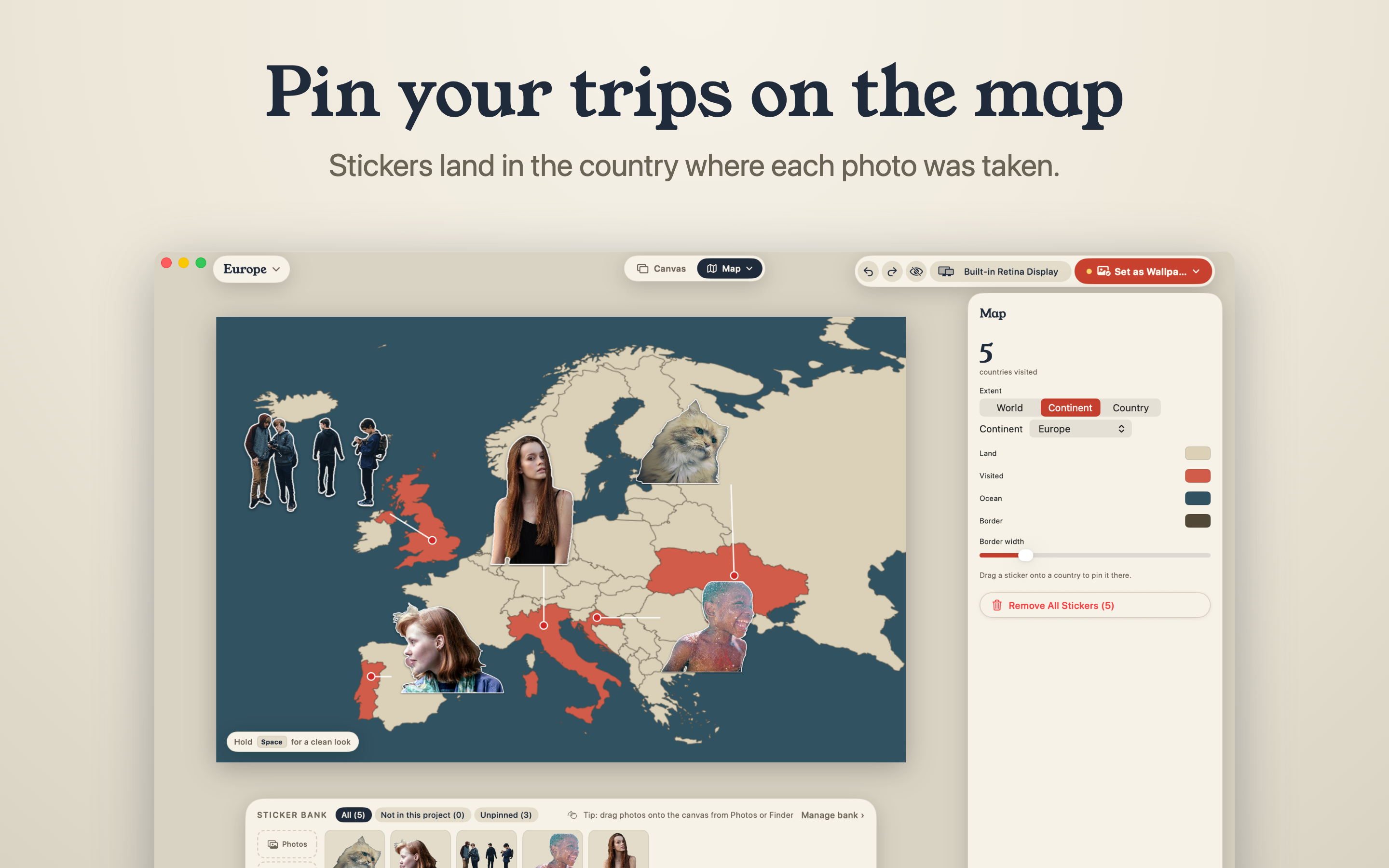
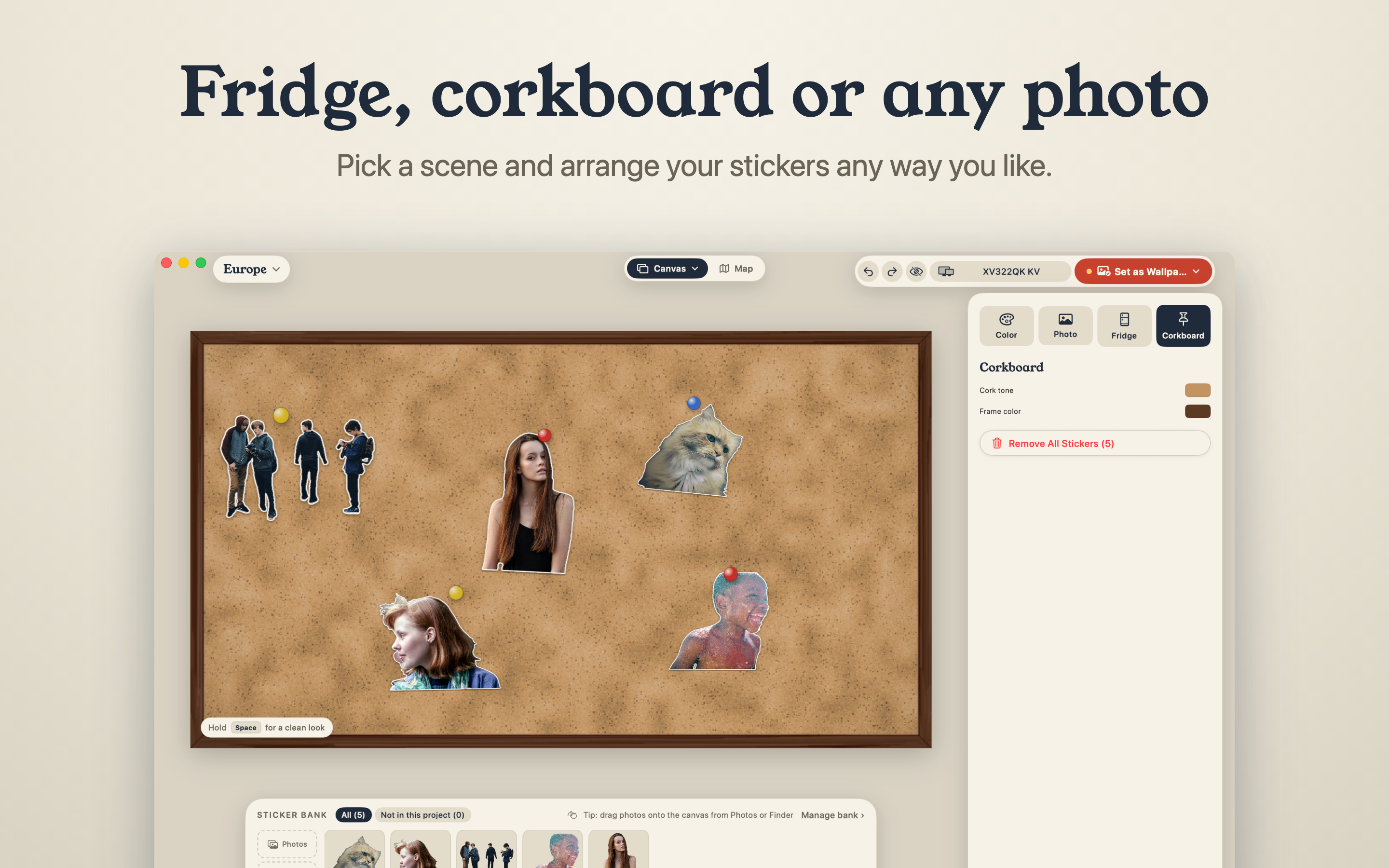
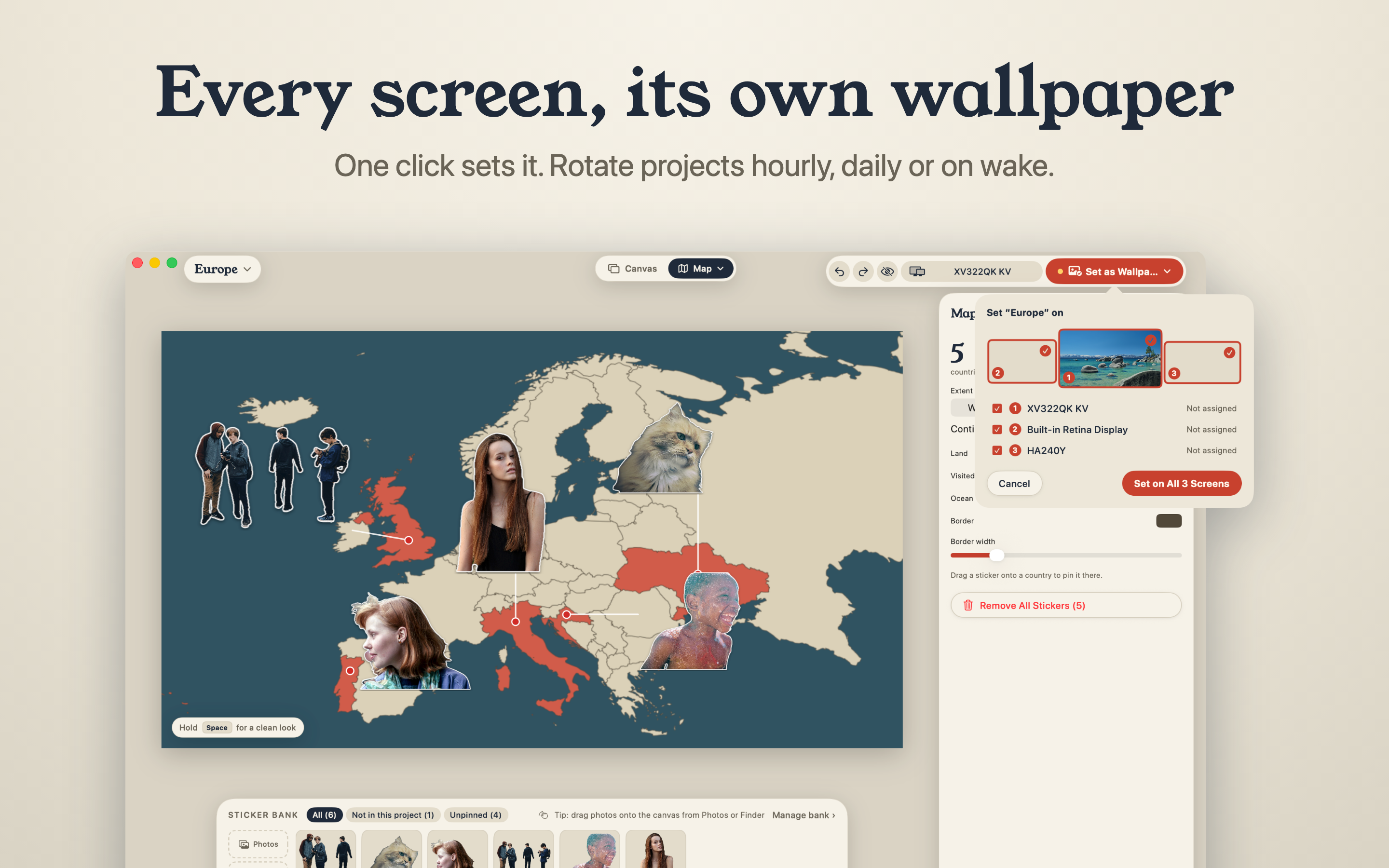
Stickers go on one of four scenes. On the travel map (the world, a continent or a single country), stickers pin themselves to the country where the photo was taken, using the location stored in the photo, and visited countries light up. The other scenes are a fridge door with magnets, a corkboard with pushpins, and a plain colour or a photo of your own.
Sticta is built for the desktop: the editor shows where the Dock, the menu bar and desktop icons will sit, every display can show its own project at its full resolution, and a menu bar icon switches wallpapers. The wallpaper only changes when you click Set as Wallpaper.
The app has no account, no analytics and never connects to the internet. Photos come in only through the Open panel or drag and drop.
Why it exists
I wanted my trips and the people in them on my desktop instead of a stock landscape. A single photo always ended up behind icons and the Dock, and a proper collage meant cutting people out one by one, arranging them in Keynote and exporting for each display, then doing it all again for every new photo. Sticta puts that whole loop in one app. Mateusz Czechowski
Screenshots
Click a screenshot for the full 2880 × 1800 PNG.
Demo video
Review codes and contact
Writing about Sticta or making a video? Email sticta@proton.me and I'll send you a code that unlocks Sticta Unlimited. I'm happy to answer questions about the app or how it was made.