How to hang your photos on a clothesline wallpaper
In short: Open the Canvas, set a colour, switch on Clothesline and choose three rows. Drop photos with their top edge on the string and they hang from a peg.
What you end up with
A string snaking across your desktop in three rows, with your photos hanging from wooden pegs. It looks like a real line of prints drying in a darkroom.
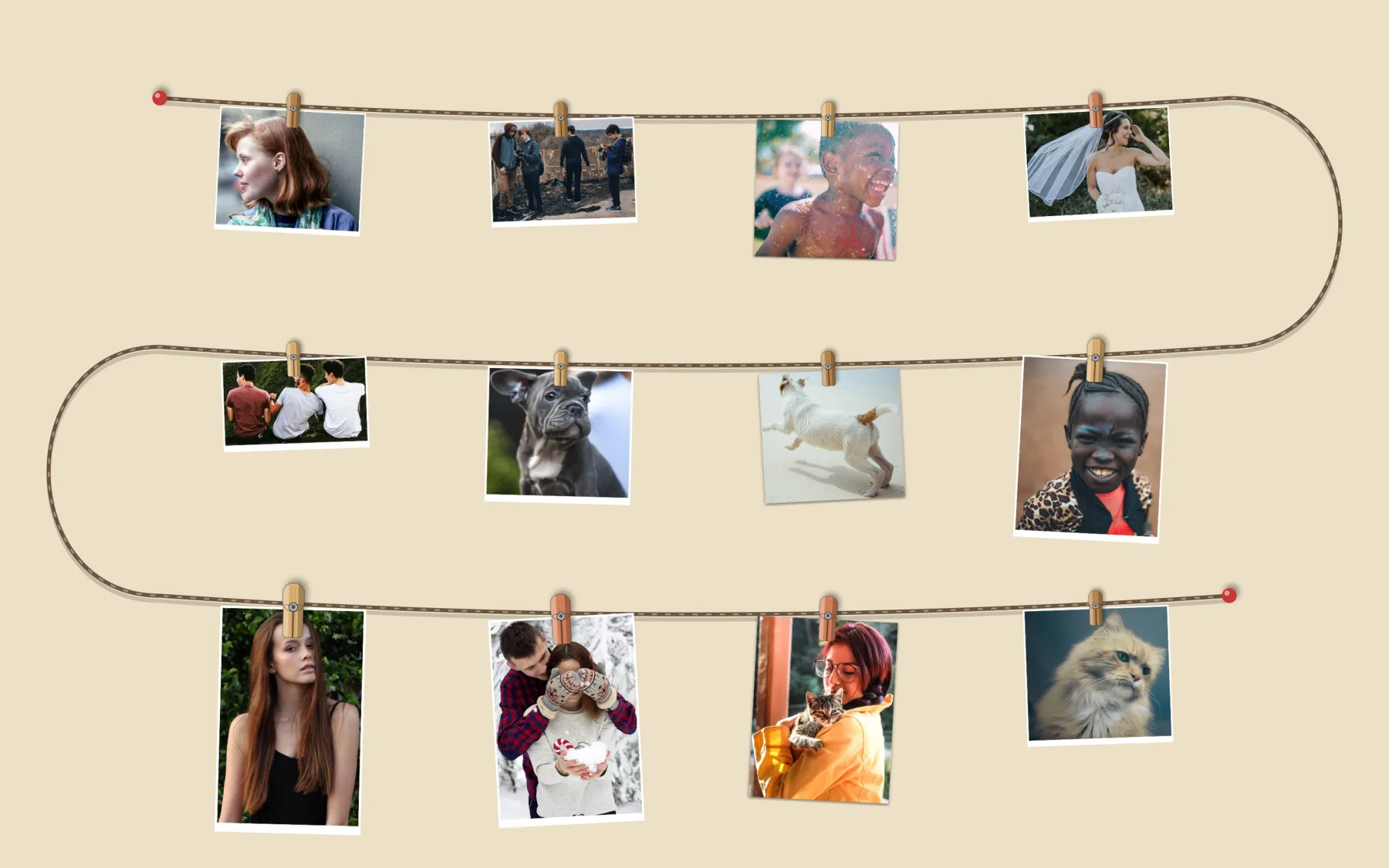
Make it in Sticta
- Create a project and open the Canvas, then pick the Color style and a colour you like. The example uses a warm cream.
- Switch on Clothesline. Set Rows to 3 and choose a String: Jute, Baker’s twine, Fairy lights or Wire.
- Drag your photos in, then drop each one with its top edge on the string. It hangs from a peg.
- Drag a photo away from the string to take it down.
- Click Set as Wallpaper.
Make them look like prints
Select a sticker and pick the Polaroid style, then set Contents to Original photo. The photo keeps its background and gets a white border, like a real print. The example has a few Original photo style photos without the border too.
Tall photos hang lower, so put them on the bottom row and wide ones on the top rows.
Change the pegs and the string
The clothesline settings let you change the pegs (kind, colour and size, for all of them or for one photo) and the colour of the string. Try Fairy lights on a dark background for an evening look.
Private by design
Sticta never connects to the internet and your photos never leave your Mac. Privacy policy.
Free to download · Sticta Unlimited is a one-time purchase · Mac with Apple silicon, macOS 14 or later
The photos in this example are free CC0 pictures, see credits.